

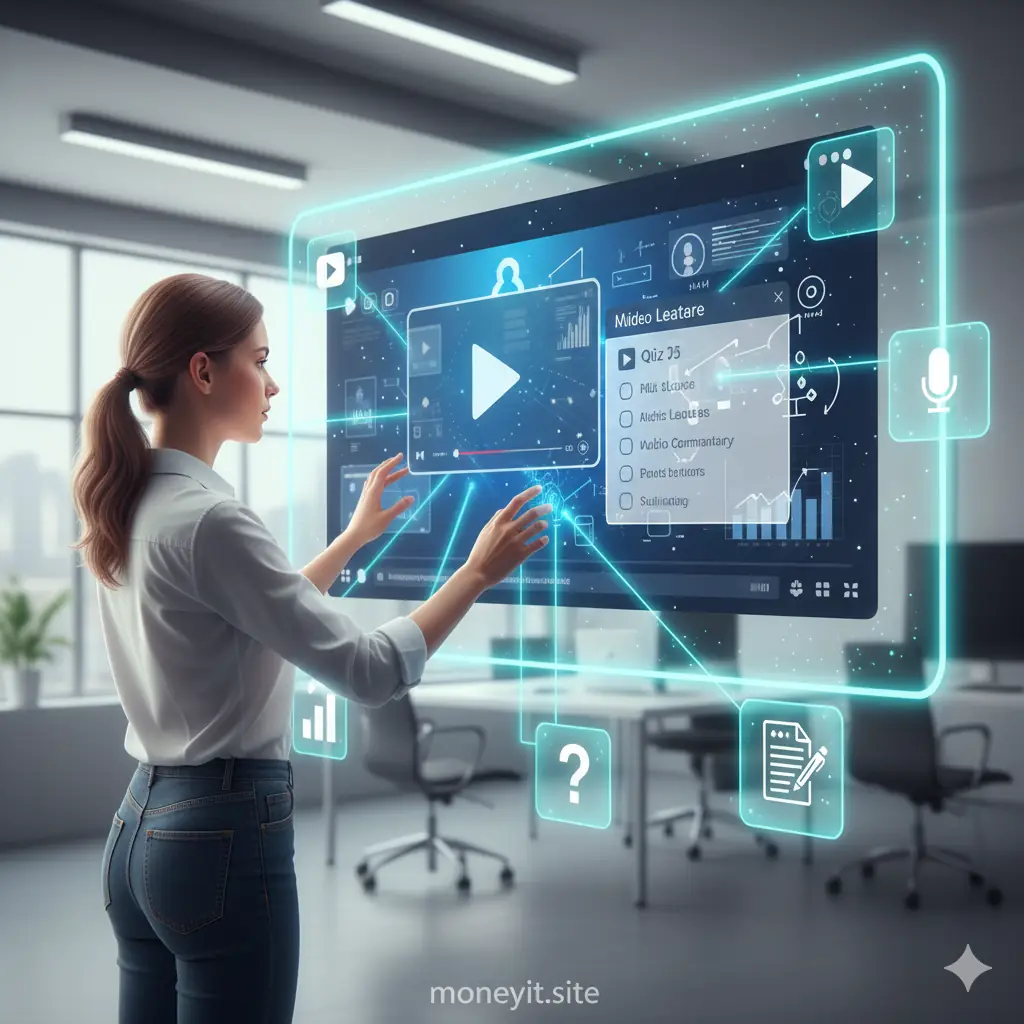
🎬 Beyond the Slideshow: Why Interactivity Matters
In the digital age, relying solely on static slides or long text documents is a recipe for disengagement. Students today expect dynamic, visual content that actively involves them in the learning process.
An interactive multimedia lesson is one that integrates various media—video, audio, text, and graphics—with elements that require the learner to respond, click, type, or choose, ensuring they are mentally present.
This is crucial because engagement is directly linked to knowledge retention. When students are actively doing something, they are processing information more deeply than when they are passively watching.
Creating these kinds of lessons doesn’t require advanced programming skills; it simply requires a thoughtful design process and the right tools.
🏗️ Phase 1: Planning and Content Chunking
Before you start recording or building, you must plan the learning objective for each lesson. The key to successful multimedia instruction is keeping content highly focused and brief.
Break your overall topic into small, digestible chunks—ideally, segments that last no more than 5 to 10 minutes each. Each chunk should address only one core concept.
For example, instead of one 30-minute video on ‘World War II Causes,’ create three 10-minute segments on ‘The Treaty of Versailles,’ ‘The Rise of Fascism,’ and ‘Global Economic Depression.’
This systematic chunking process prevents cognitive overload and provides natural breakpoints where you can introduce interactive elements.
Choosing the Right Media Mix
Multimedia means using a combination of formats. Don’t feel obligated to record a video for everything; sometimes a short, sharp infographic or a quick audio explanation is more effective.
Use video for demonstrations or complex conceptual explanations. Use text and visuals for definitions and quick summaries. Use quick quizzes for knowledge checks.
Varying the media type keeps the lesson fresh and caters to different learning styles, ensuring the content remains accessible and interesting throughout the module.
🧩 Phase 2: Integrating Interactive Elements
Interactivity is the secret sauce that transforms a passive video into an active learning experience. These elements compel the student to stop and apply what they just learned.
Tools like Edpuzzle or H5P are excellent for embedding interaction directly into video lessons. You can pause a video at a critical moment and insert a multiple-choice question or an open-ended prompt.
For text-based content, use interactive flashcards, drag-and-drop activities, or clickable hotspots on an image that reveal hidden information.
The goal is to provide immediate, low-stakes practice and confirmation of understanding right when the student needs it most, leading to better retention.
Notes on Interaction Placement:
- Place interactive checks immediately after introducing a core concept.
- Use questions that require application or analysis, not just recall.
- Ensure the interactivity provides instant feedback to the learner.
🛠️ Phase 3: Building and Deploying the Lesson
Once you have your content chunks and interactive ideas, you need the platforms to bring them to life. Modern EdTech tools make this process surprisingly efficient.
Use presentation software like Canva or Genially to build visually engaging slides or infographics. Simple video editing software or even your phone can handle basic video recording.
The Learning Management System (LMS), such as Canvas or Moodle, is crucial for deployment. It serves as the container for your interactive content, tracking student progress and generating completion data.
Finally, always test your interactive lesson on a few different devices (laptop, tablet, phone) before deploying it widely to ensure it functions smoothly for all students.
📈 Phase 4: Gathering Feedback and Iteration
The process of creating engaging lessons is cyclical. Once deployed, you must gather data and feedback to refine and improve your multimedia instruction over time.
Use the analytics data from your LMS or video tool to identify ‘drop-off’ spots—where students pause, rewind, or abandon the lesson. This pinpoints areas that may be confusing or too long.
Gather direct feedback from students. Ask them: Which parts of the lesson were most engaging? Which parts were the most challenging? Their candid feedback is invaluable for iteration.
By treating your lessons as continuous works in progress, you ensure they remain fresh, relevant, and optimally designed for maximum student success.
✅ The Outcome: Deeper and More Flexible Learning
Creating interactive multimedia lessons transforms the learning experience. It shifts the burden of learning from passive reception to active construction, empowering the student.
Students benefit from engaging, flexible content that respects their attention span and caters to their individual pace, leading to stronger retention and deeper understanding.
By mastering the art of instructional design for the digital age, you create dynamic virtual classrooms where learning is not only effective but also genuinely enjoyable.
