

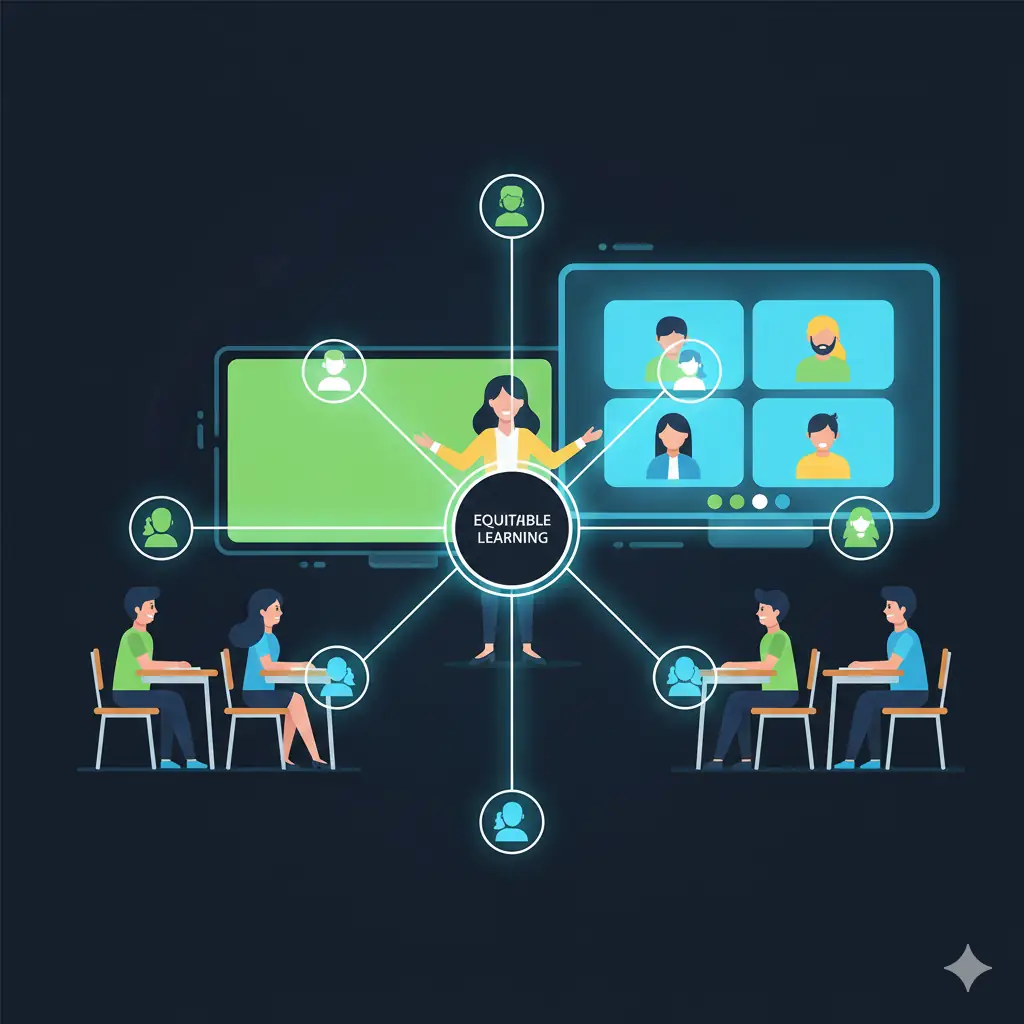
⚖️ The Hybrid Challenge: Teaching to Two Audiences
The hybrid, or blended, classroom presents one of the most complex challenges in modern education. It requires teaching simultaneously to two distinct audiences: students sitting in the physical room and students joining remotely online.
The danger is inadvertently prioritizing one group over the other, leading to an unequal or fragmented learning experience. A successful hybrid model demands intentional design and clear, equitable strategies.
The key is to view the learning experience as a single, cohesive unit, not two separate ones. Technology becomes the vital bridge ensuring all students feel connected and engaged, regardless of their location.
By implementing thoughtful planning, teachers can leverage the strengths of both environments to create a richer, more flexible educational setting.
💻 Seamless Workflow: Centralizing Content and Communication
In a hybrid setting, your Learning Management System (LMS)—like Canvas, Moodle, or Google Classroom—must function as the absolute hub for the entire course. Everything needs to be centralized there.
All assignments, lecture slides, video recordings, and announcements should be posted immediately to the LMS. This ensures remote students have instant access, and in-person students have a reliable resource for review.
This centralization creates a single, consistent experience for all students. No more last-minute scrambling for materials, regardless of whether a student is at home or in the front row.
Furthermore, use one primary channel for Q&A (like an LMS discussion forum or a Teams chat) that both groups can use, making the communication record transparent for everyone.
Equitable Engagement: Connecting In-Person and Remote
A critical strategy is ensuring genuine interaction between the two groups. It’s easy for remote students to become ‘observers’ and for in-person students to forget their virtual classmates exist.
Use hybrid collaboration tools intentionally. For instance, when asking a question, have *all* students—both present and remote—submit their answers via a digital poll or a shared document (like Google Jamboard).
This equalizes participation by requiring input from everyone and allows the teacher to easily visualize responses from the entire learning community at once.
The physical class discussion should integrate remote student responses shown on the main display, giving virtual students a visible and audible presence.
🎬 Strategic Use of Synchronous and Asynchronous Time
Hybrid teaching thrives on smart scheduling. Not every moment needs to be a live, joint session; asynchronous activities are key to managing time differences and individual pacing.
Use asynchronous time for content delivery: record lectures, assign readings, or have students complete adaptive quizzes at home. This is the ‘flipped’ element of the hybrid model.
Reserve synchronous (live) class time exclusively for high-value human interaction: debates, collaborative problem-solving, immediate Q&A, and project work. This maximizes the benefit of being together (virtually or physically).
By moving passive consumption out of the live session, you ensure the time you spend together is dynamic, engaging, and worth the coordinated effort.
✨ Strategy Highlight: Appoint rotating ‘Digital Liaisons’ from the in-person group to actively monitor the chat for questions and read remote responses aloud, ensuring the teacher sees all input.
📝 Assessment and Feedback Strategies
Assessment in a hybrid setting must be flexible but fair. The methods must be accessible and secure, regardless of the student’s location.
Rely heavily on project-based assessments, e-portfolios, and performance tasks that require application of knowledge, which are more difficult to cheat on than simple recall exams.
When providing feedback, use the same digital tools (like annotations or audio comments) for everyone, and ensure the feedback is timely and specific, linking directly to the common rubric posted in the LMS.
This consistent, transparent process reinforces equity and helps all students understand where they stand and how they can improve.
- Technical Setup: Always test microphones, cameras, and screen-sharing setup 5 minutes before class begins.
- Visual Clarity: Ensure the in-person whiteboard is visible to remote students, or use a shared digital whiteboard (like Jamboard) accessible by both groups.
- Movement: If walking around the physical room, wear a portable microphone to ensure remote learners can hear you clearly.
- Check-ins: Use a brief poll or emoji reaction check-in with the remote group every 10-15 minutes to confirm their continued presence and focus.
🌱 Focusing on Flexibility and Empathy
Finally, teaching in a hybrid environment requires a deep well of flexibility and empathy. Students face different challenges—unreliable internet, childcare, differing home environments—that impact their ability to participate.
Be prepared to offer alternative submission formats or flexible deadlines when needed. Clearly communicate expectations for what should be done asynchronously versus synchronously.
The ultimate goal is to foster a single, supportive learning community where technology serves the mission of education, connecting diverse learners to content and to each other.
By mastering these strategies, hybrid teaching moves from being a logistical headache to a powerful model for inclusive and resilient education.
