

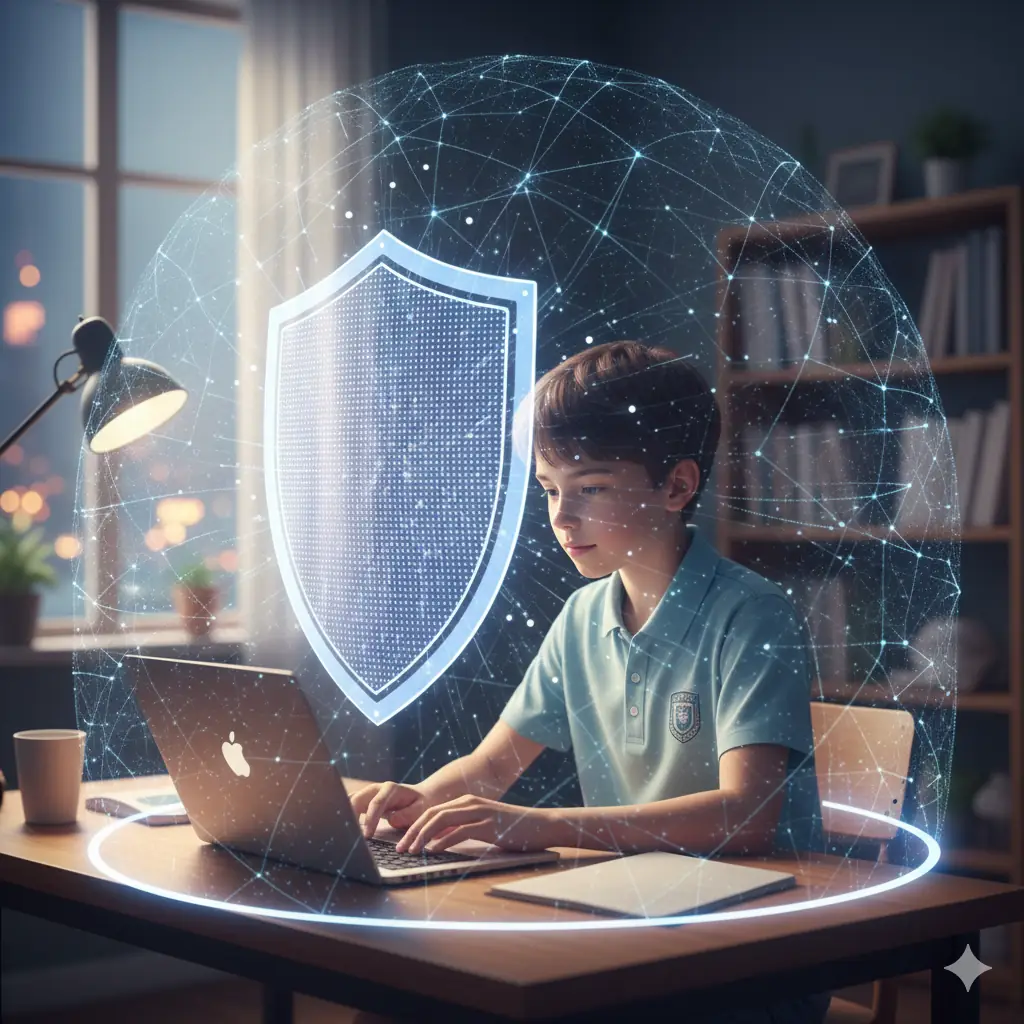
🛡️ The Digital Classroom: Security is the First Lesson
Moving your education online opens up a world of knowledge and opportunity, but it also means navigating the internet’s inherent risks. Just as you lock your physical classroom door, you need to secure your virtual learning space.
For online learners, internet safety isn’t just a technical concern; it’s fundamental to maintaining focus, protecting your personal data, and preserving your academic integrity.
It’s vital to remember that every device you use and every platform you log into is a potential point of entry. Therefore, developing strong digital habits is your best defense.
Let’s walk through the essential practices that will help you study confidently and securely in the digital environment, ensuring your learning journey remains productive and safe.
🔐 Layering Your Defenses: Password and Account Security
Your passwords are the front door to your academic life, containing everything from grades and assignments to personal identifying information. They must be treated with the highest level of caution.
First, never reuse the same password across multiple platforms, especially between your school accounts and your personal social media. If one account is compromised, the others remain safe.
Always use strong, complex passphrases—long phrases that mix capital letters, numbers, and symbols—rather than simple, short words. Consider using a reputable password manager to securely store and generate these complex passwords.
The single most important step you can take is enabling Two-Factor Authentication (2FA) on all your critical accounts (LMS, email, cloud storage). This extra layer requires a second verification code, making unauthorized access extremely difficult.
Securing Your Study Environment
Your devices and connections are part of your security shield. Think about where and how you connect to your learning platforms.
Always keep your operating system (Windows, macOS, etc.) and all learning applications (web browsers, anti-virus software) updated. Updates often contain critical security patches that close vulnerabilities.
Avoid using public Wi-Fi networks (like those in coffee shops or airports) for sensitive activities, such as submitting exams or accessing financial aid information. These networks are often unsecured and easy for hackers to monitor.
If you must use public Wi-Fi, always use a Virtual Private Network (VPN). A VPN encrypts your traffic, creating a secure tunnel between your device and the internet.
👀 Critical Evaluation: Information Literacy and Phishing
Being safe online also involves being a critical thinker. You must constantly evaluate the legitimacy of information and communication you receive.
Be highly skeptical of emails, texts, or messages that ask for personal information, especially passwords or banking details. This is the primary method used in phishing attacks.
Look closely at the sender’s email address—does it match the official domain? Legitimate institutions will rarely, if ever, ask you to provide a password via email.
Similarly, practice source verification for your research. Don’t assume that the first link in a search engine is the most credible. Check the author, the publication date, and the domain authority (e.g., .edu or .gov sites are usually more reliable).
Notes on Suspicious Communication:
- Look for poor grammar or spelling errors.
- Check if the email creates a false sense of urgency or threat.
- Hover over links before clicking to see the actual destination URL.
- Never open attachments from unknown or unexpected senders.
💬 Digital Citizenship: Responsibility and Respect
Being a safe online learner means being a responsible digital citizen. Your actions online have real-world consequences, both for yourself and your peers.
Always maintain academic integrity. This means using plagiarism checkers, properly citing all sources, and never sharing exam answers or accessing unauthorized study materials.
Practice respectful communication in all digital forums, whether it’s an LMS discussion board or a group chat. Harassment, threats, or hate speech are unacceptable and can have serious repercussions.
Remember that anything you post online can be permanent. Be thoughtful about the photos, comments, and personal details you share on public platforms or even in private class groups.
💾 Protecting Your Work: Backup and Data Management
A major risk for online learners is the loss of academic work due to device failure, theft, or malware. Data loss is a devastating setback you can easily prevent.
Routinely back up all your critical assignments and notes. Use a combination of cloud storage (like Google Drive or OneDrive) and physical external drives for redundancy.
Ensure that if you download academic software or apps, they come from reputable, official sources, rather than obscure websites, which often contain malicious software (malware or viruses).
By regularly backing up your data, you guarantee that an unexpected technical issue won’t compromise your entire semester’s efforts. Security includes recoverability.
🧘 A Mindset of Constant Vigilance
Internet safety is not a destination but a continuous practice. Technology evolves daily, and so too must your awareness and defensive habits.
Stay informed about common scams and institutional policies regarding data use. Your school or training provider will usually have specific guidelines on acceptable use that you must follow.
By treating your online learning environment with professionalism, protecting your credentials, and being a critical consumer of digital information, you ensure a safe and successful educational journey.
