

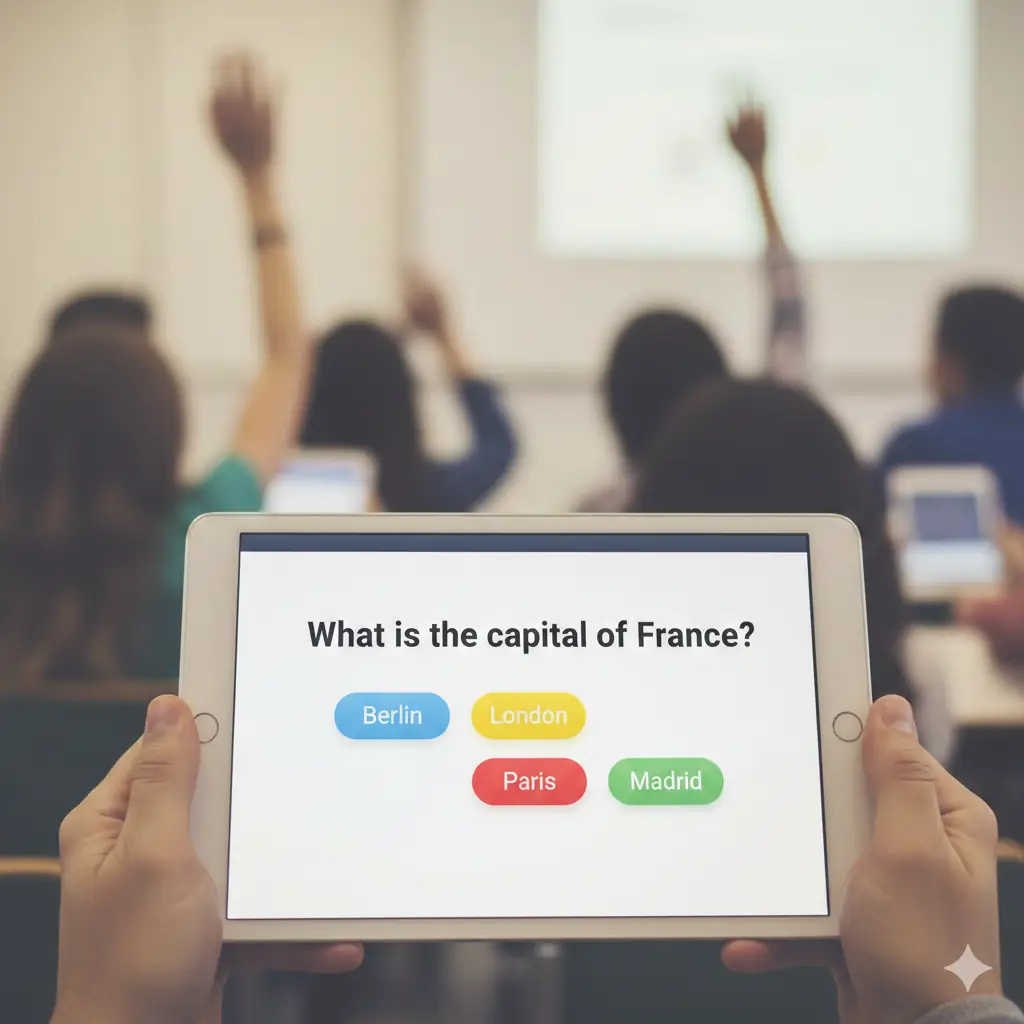
💡 Top Interactive Quiz Tools for Engaging Lessons
It’s no secret that traditional, paper-based assessments often fall flat, leading to glazed-over eyes and low retention.
In today’s dynamic learning environments, whether in a physical classroom or remote setting, engagement is the ultimate currency.
Interactive quiz tools are the game-changer here. They transform routine checks for understanding into exciting, real-time activities that students genuinely enjoy.
These platforms do more than just test knowledge; they foster a fun, competitive spirit and provide immediate, actionable feedback for both the learner and the instructor.
Let’s dive into some of the most popular and authoritative interactive quiz tools that can help you create truly engaging and memorable lessons.
We’ll look at the strengths of each platform, helping you choose the perfect fit for your teaching style and your students’ needs.
🎯 The Gamified Giants: Kahoot! and Quizizz
When you think of interactive quizzes, two names almost immediately spring to mind. These tools have dominated the landscape by making assessment feel like a game show.
They both leverage competition, quick feedback, and vibrant visuals to capture attention in a way that static quizzes simply cannot.
🎮 Kahoot! – The Fast-Paced Fun Show
Kahoot! is the quintessential gamified learning platform, famous for its colorful interface, dramatic music, and intense countdown timers.
Its primary strength lies in its synchronous, shared-screen experience—everyone looks up at the main display to see the question and the leaderboard.
The core mechanic is speed and accuracy: answering correctly and quickly earns you more points, which is fantastic for rapid reviews and generating high energy.
For example, a quick 10-question Kahoot! before moving to a new chapter can instantly reveal who grasped the previous material and who needs a quick refresher.
🚀 Quizizz – Student-Paced Flexibility
Quizizz offers a similar gamified experience but with a crucial difference: it’s primarily student-paced and not tied to a single shared screen.
Students see both the question and the answer options on their own devices, allowing them to work through the material at their own speed.
This is particularly beneficial for students who might feel pressure from the timer or need more time to process information without the whole class watching.
Quizizz also shines with its extensive library of community-created content and features like ‘Redeem’ questions, which encourages learning from mistakes by letting students reattempt incorrect answers.
📝 Integrated Learning Platforms: Nearpod and Wooclap
Some interactive tools go beyond just multiple-choice questions; they integrate quizzes and polls directly into a larger, comprehensive lesson structure.
These platforms are ideal for instructors who want a fluid transition between teaching new material and checking for immediate comprehension.
✨ Nearpod – The All-in-One Lesson Delivery Tool
Nearpod is a powerful tool that essentially allows you to build a dynamic, interactive presentation from the ground up.
It lets you embed quizzes, polls, open-ended questions, collaborative boards, and even virtual reality field trips directly into your slides.
Imagine introducing a complex physics concept and then immediately asking students to ‘Draw It’ on their screens to illustrate their understanding—Nearpod makes this seamless.
Its strength lies in its ability to manage the entire lesson flow, providing real-time data on student engagement and comprehension without needing to switch apps.
🤝 Wooclap – Versatility for Any Audience
Wooclap is designed for incredible versatility, perfect for both educational settings and professional corporate training.
It boasts an impressive array of over 20 question types, moving far beyond the standard multiple-choice quiz.
From ‘Fill in the Blanks’ and ‘Find on Image’ to ‘Word Clouds’ for open-ended brainstorming, Wooclap ensures you can match the assessment format precisely to your content.
If you’re looking for a clean, efficient interface that minimizes technical headaches for participants and offers deep, customizable data analysis, Wooclap is an excellent choice.
💰 Best for Cost and Simplicity: The Free Powerhouses
While the sophisticated features of paid platforms are compelling, sometimes the best tool is the one that’s readily available, free, and incredibly easy to use.
These tools are perfect for quick-pulse checks, exit tickets, and basic surveys, especially if you’re already integrated into a specific ecosystem.
🌐 Google Forms – Simple, Reliable, and Deeply Integrated
For anyone in an environment utilizing Google Workspace, Google Forms is the most straightforward quiz tool available.
It’s completely free, offers automatic grading, and seamlessly collects all responses into a Google Sheet for effortless data analysis.
While it lacks the flashy gamification of a Kahoot!, its reliability, branching logic (directing students to different questions based on their answer), and ease of use make it indispensable for formal assessments and homework assignments.
🖼️ Quizlet – Mastering Content Through Flashcards
Quizlet began as a flashcard tool, which is a powerful learning mechanism in itself, but it has evolved to include various gamified quiz modes like ‘Learn,’ ‘Match,’ and ‘Test.’
It’s exceptionally good for vocabulary, terminology, and foundational knowledge retention that requires spaced repetition.
Students can easily turn any study set into a self-paced quiz, making it a fantastic tool for independent study and exam preparation—it’s learning content mastery, not just a simple test.
📊 Choosing the Right Tool: A Quick Comparison
Deciding which platform to use depends heavily on your goals. Are you prioritizing a fun, whole-class review, or do you need deep, individualized progress tracking?
Think about the age of your audience, the device access they have, and the level of data granularity you require for reporting.
Here is a simplified breakdown of the best use cases for our top contenders:
- Kahoot!: Best for Live, High-Energy Reviews and fostering a competitive, whole-class atmosphere.
- Quizizz: Best for Student-Paced Assignments and self-study with a gamified feel.
- Nearpod: Best for Interactive Lesson Delivery where quizzes are interspersed with content slides and multimedia.
- Wooclap: Best for Versatile Question Types and engaging a diverse audience with numerous formats.
- Google Forms: Best for Simple, Formal Assessments and environments requiring deep integration with Google services.
I find that many of the most effective educators use a mix of these tools throughout the year.
For instance, a Nearpod lesson might introduce a new concept, a Kahoot! is used for a quick wrap-up, and Quizizz is assigned for homework the following night.
⚙️ Implementing Interactive Quizzes Effectively
The tool is only half the battle; how you implement it is what truly drives engagement and learning.
Avoid simply porting your paper-based quizzes to a digital format; instead, utilize the interactive features to their full potential.
🧠 Beyond Multiple Choice: Varied Question Types
One of the biggest advantages of these tools is the variety of question formats they offer.
Instead of five multiple-choice questions, ask for a ‘Short Answer’ (Quizizz) that requires a specific term, or use a ‘Find on Image’ (Wooclap) to pinpoint a geographical location.
This variability keeps the brain active and forces students to retrieve information in different ways, strengthening memory and comprehension.
⏱️ Real-Time Feedback and Data
The instant feedback is arguably the most powerful feature of all these tools.
Students don’t have to wait until the next day for a graded paper; they know immediately if they were correct or incorrect, allowing for instant self-correction.
For the instructor, this real-time data is invaluable for what we call ‘on-the-fly’ adjustments—if 80% of the class misses question #4, you know instantly to re-teach that concept right now, not tomorrow.
🏆 Harnessing the Power of Gamification
The leaderboards and celebratory graphics aren’t just fluff; they tap into the natural human desire for achievement and recognition.
For some classes, you might use the competitive elements heavily, while for others, you can employ features like ‘Team Mode’ (Kahoot!) or anonymous participation (Mentimeter) to encourage collaboration and reduce individual pressure.
Gamification works best when the emphasis is on the learning process, not just the final score, so be sure to celebrate progress, not just podium finishes.
📝 Final Thoughts on Modern Assessment
Assessment shouldn’t be an event that students dread, but rather an engaging part of the learning journey itself.
The interactive quiz tools we’ve discussed—Kahoot!, Quizizz, Nearpod, Wooclap, and Google Forms—are more than just tech gimmicks; they are proven methods for driving engagement and delivering insightful, immediate feedback.
By integrating these platforms, you are shifting from being a traditional lecturer to a dynamic facilitator of knowledge.
So, take the plunge. Choose one tool, experiment with a single lesson, and watch the energy in your classroom or virtual space instantly transform. Happy quizzing!
